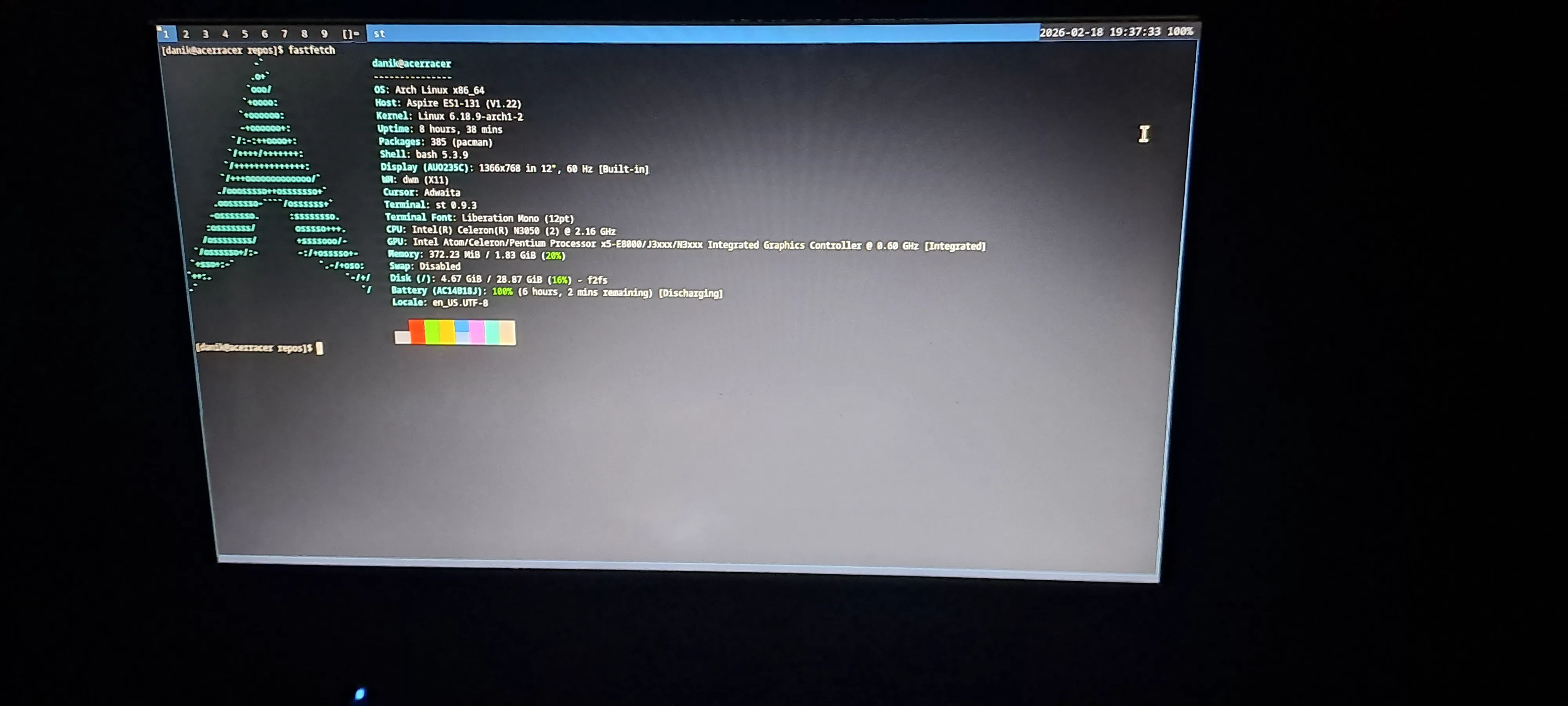
Introduction
I recently managed to snag the Acer Aspire ES 11 subnotebook for free. It’s not a powerhouse but it has some interesting features. It does have passive cooling so no noise coming out. Also it doesn’t get hot at all, with the CPU running at 100% it reached ~50°C on the cores. When I got this device, it didn’t have any OS installed, so I tried to install one and got into some issues.
Acer BIOS headaches
BIOS on Acer devices are notoriously bad at working as they should. Most of their devices reset boot records and do not boot Linux distros very well. After some research online I’ve figured out how to install Arch on this subnotebook.
Installation
Installation is almost the same as normal Arch, but I needed to do some more work on the GRUB bootloader to make it work. grubx64.efi needs to be installed inside EFI/LINUX on the boot partition. For some reason if grub has different bootloader id, it does not boot. The working command for installing grub is:
grub-install \
  --target=x86_64-efi \
  --efi-directory=/boot \
  --bootloader-id=LINUX \
  --recheck && \
  grub-mkconfig -o /boot/grub/grub.cfg
If it still does not find the bootloader try this:
mkdir -p /boot/EFI/BOOT
cp /boot/EFI/LINUX/grubx64.efi /boot/EFI/BOOT/BOOTX64.EFI
The end
It should now work as expected. Have fun using this interesting piece of technology!